> ## Documentation Index
> Fetch the complete documentation index at: https://help.aichat.com/llms.txt
> Use this file to discover all available pages before exploring further.
# Signing Up for an AiChat Account
> This guide will walk you through the process of signing up for an Aichat account.
## How to Sign Up
Visit the account creation page on [aichat.com](http://aichat.com) and click “Sign Up”.
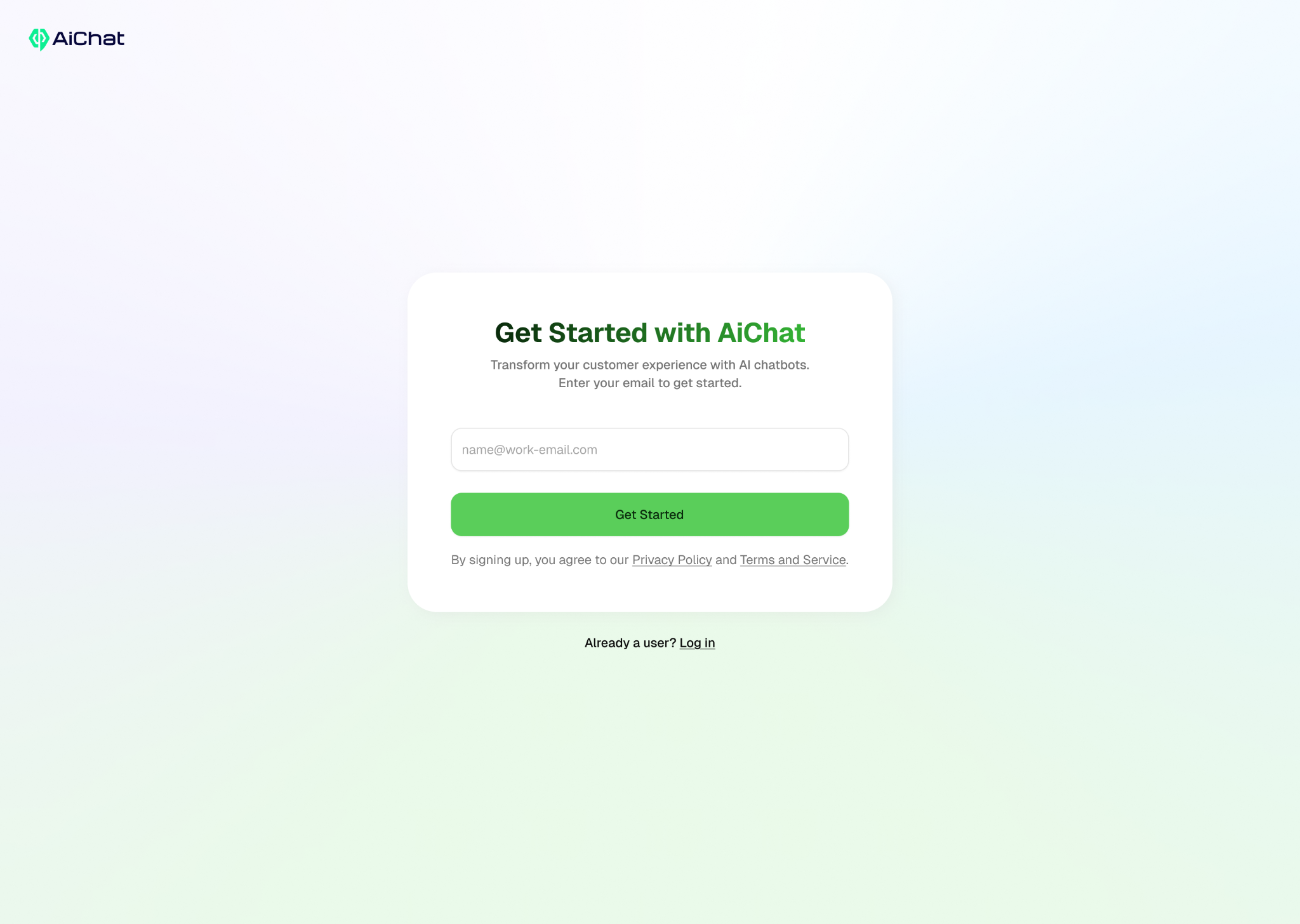
You will be asked to submit your email address. Submit your email address for verification.
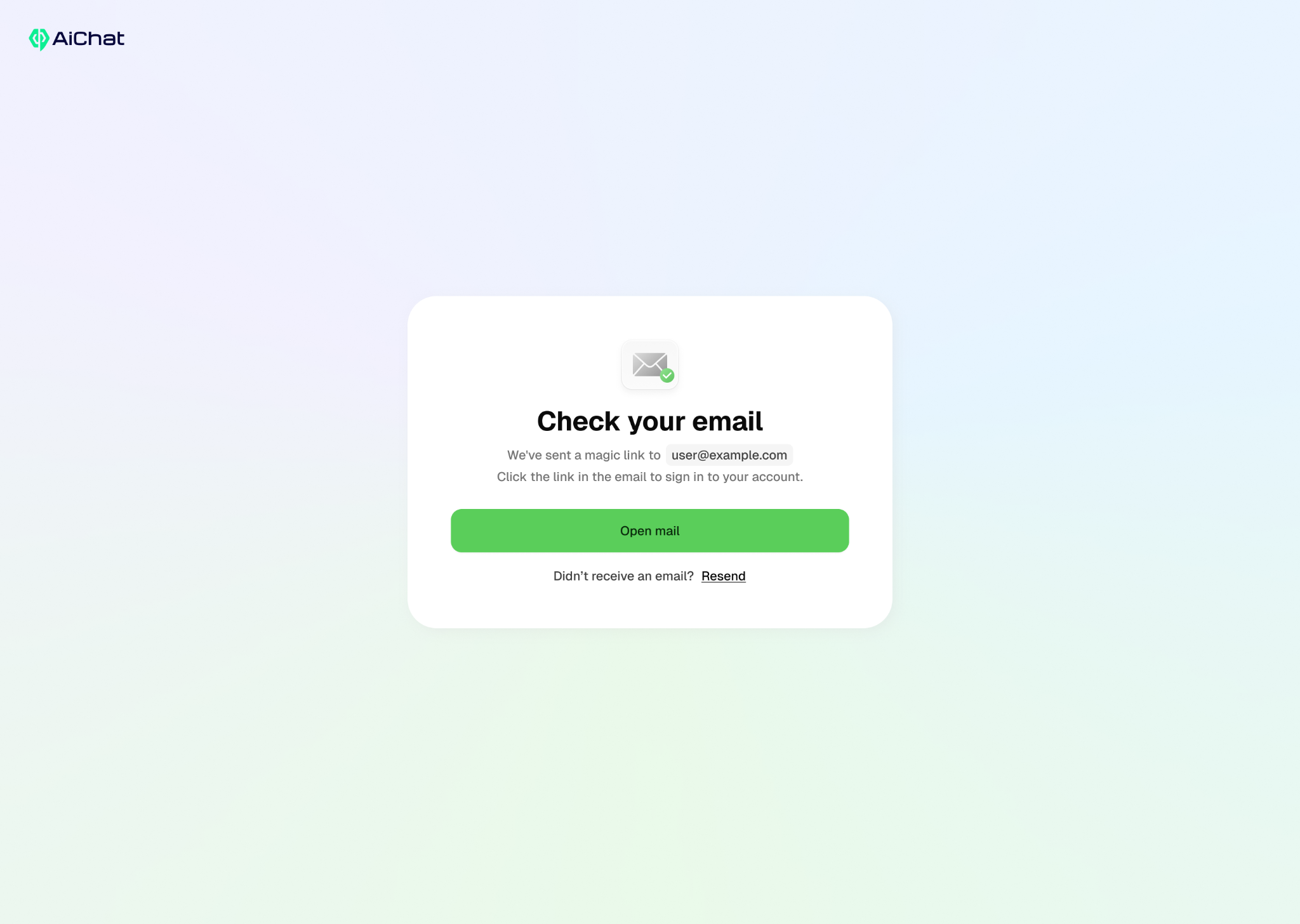
 Click “Open Mail” or check your email inbox for email verification, and verify your email address by clicking the verification link.
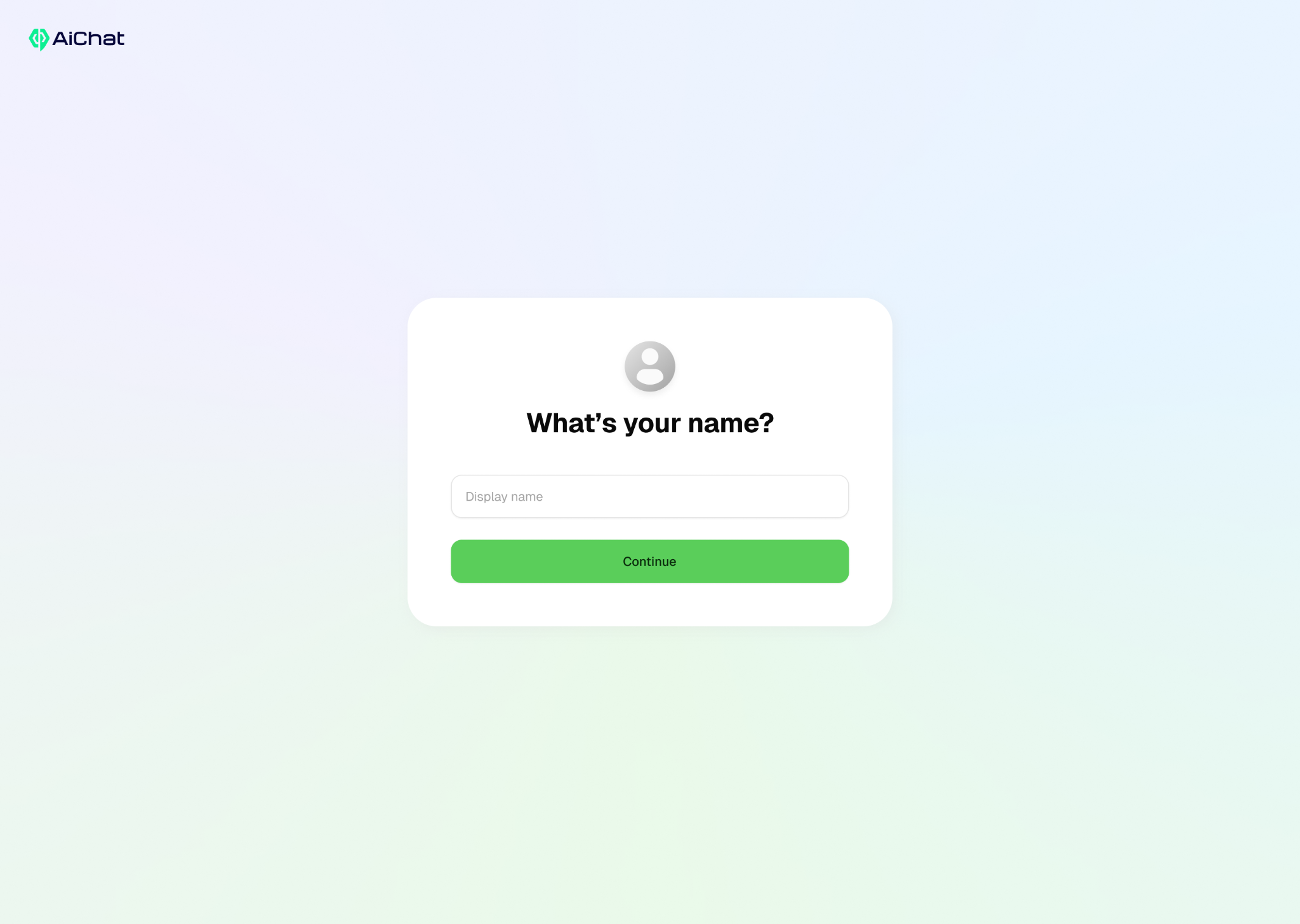
 Upon successful verification, you will be asked for your display name. At this stage, you have successfully created an account.