> ## Documentation Index
> Fetch the complete documentation index at: https://help.aichat.com/llms.txt
> Use this file to discover all available pages before exploring further.
# Invite Team Members
Sharing bot access enables you to grant specific permissions to other team members, allowing them to either view or edit the bot based on their assigned roles. This feature helps streamline collaboration by displaying a list of all project team members who currently have access to the platform. Within this section, you have full control over user management, invite new members, adjust their roles by granting or restricting permissions, and remove users when necessary.
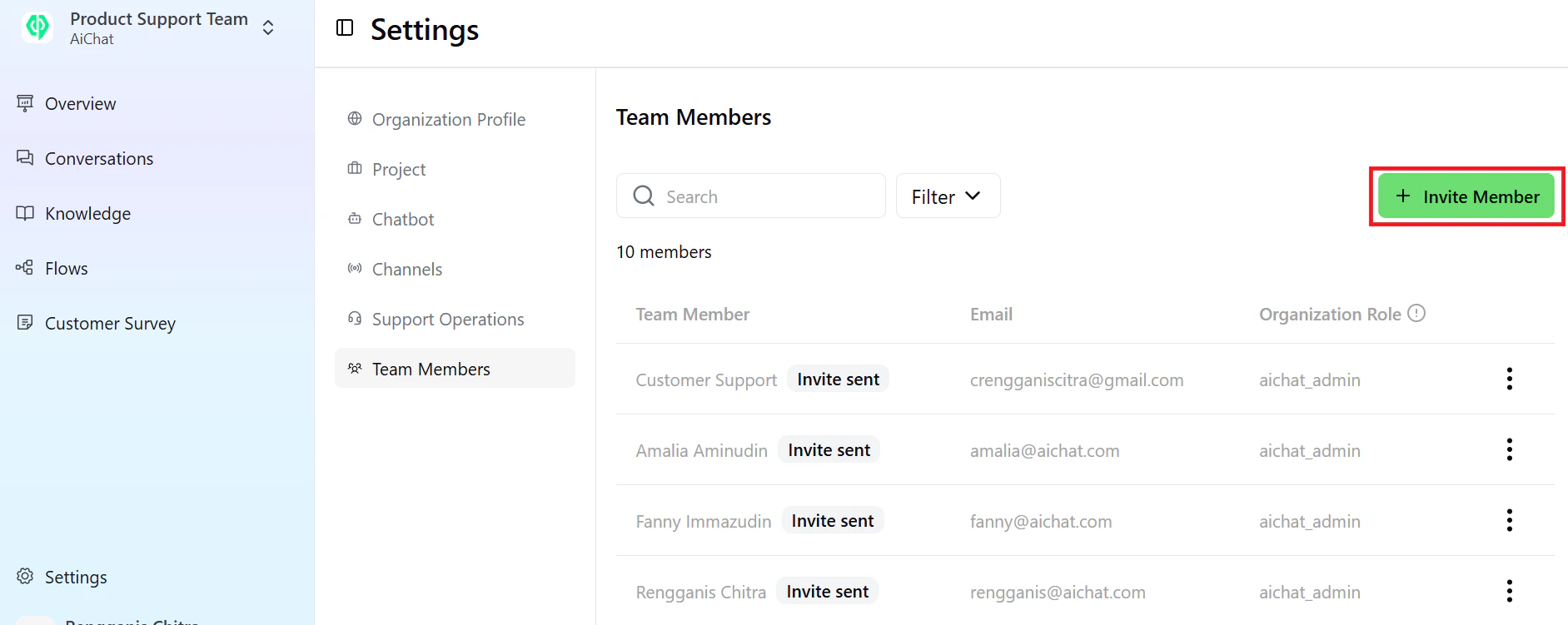
To add a member, go to **Team Members**, click **+Invite Member**.
 Enter the name, email address, and select a role type, then click **Invite**.
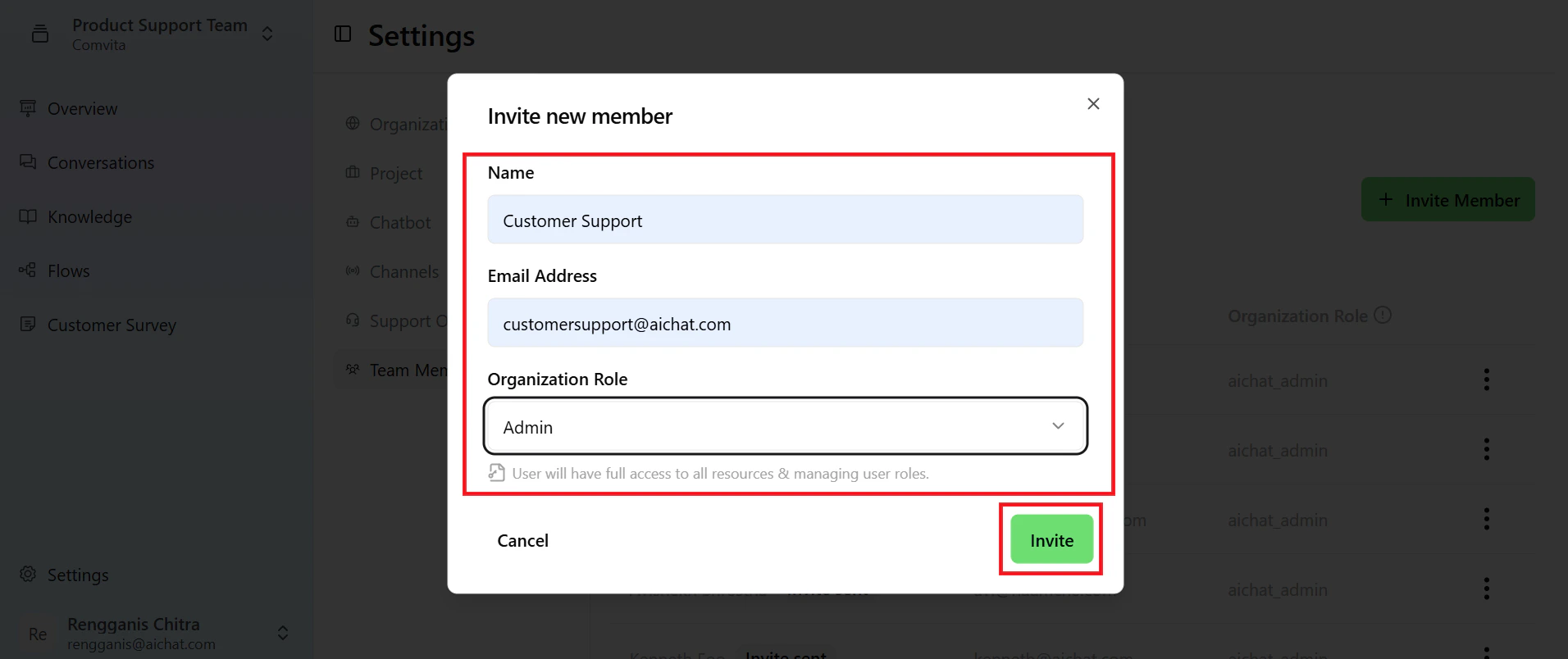 The login invitation will be sent to the specified email.