> ## Documentation Index
> Fetch the complete documentation index at: https://help.aichat.com/llms.txt
> Use this file to discover all available pages before exploring further.
# Remove and Edit Team Members
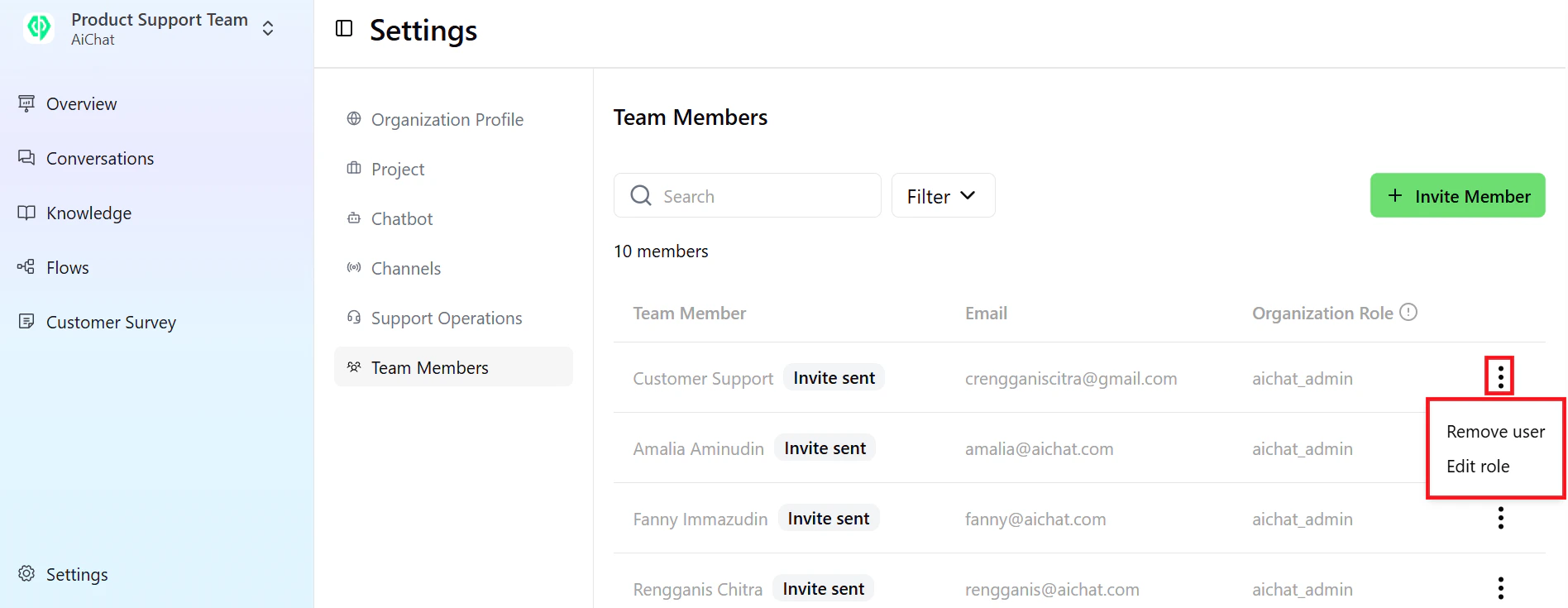
To remove or edit a role, simply click the three-dot icon.
 After entering all the details, your business profile account will be fully set up and ready for use. This allows you to access all available features and functionalities within AiChat platform.
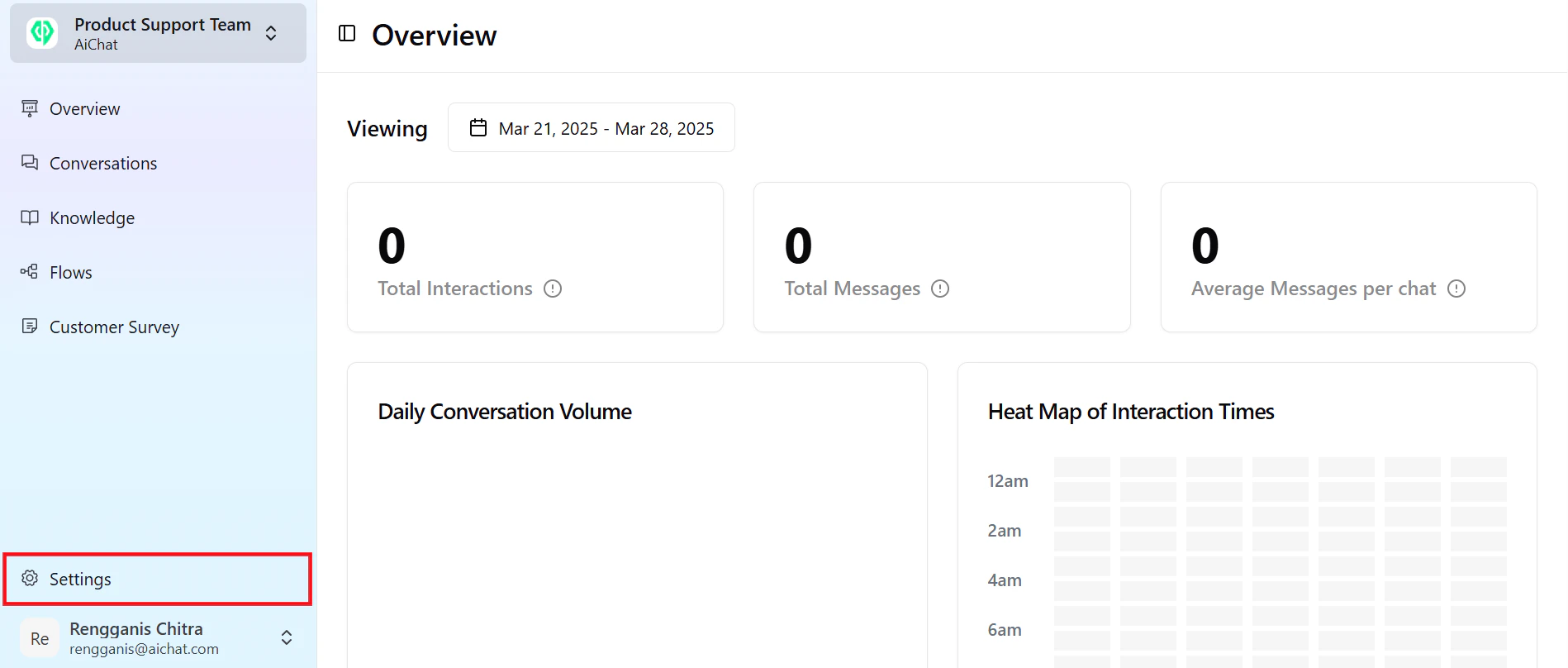
If you need to update or modify any information, simply navigate to the **Settings** option at the bottom right of the content dashboard.
After entering all the details, your business profile account will be fully set up and ready for use. This allows you to access all available features and functionalities within AiChat platform.
If you need to update or modify any information, simply navigate to the **Settings** option at the bottom right of the content dashboard.