> ## Documentation Index
> Fetch the complete documentation index at: https://help.aichat.com/llms.txt
> Use this file to discover all available pages before exploring further.
# Testing Your Chatbot
> Test out your chatbot before you install on your website
After you have updated your Knowledge Base, fine-tuned your chatbot personality or created flows, you can test them out in the Playground before you install on your website.
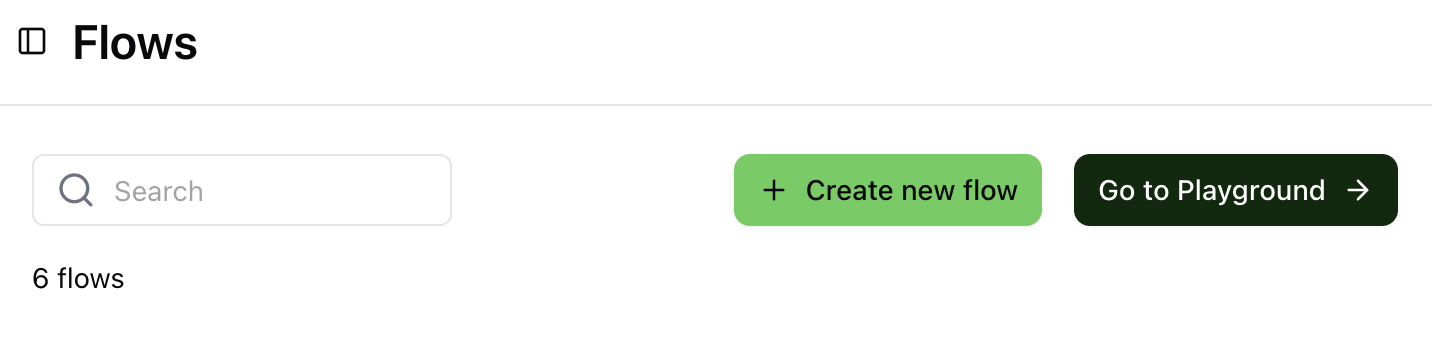 In Knowledge Base or Flows, find the button `Go to Playground` and you will brought to a separate Playground page where you can experience your chatbot.